Account Settings
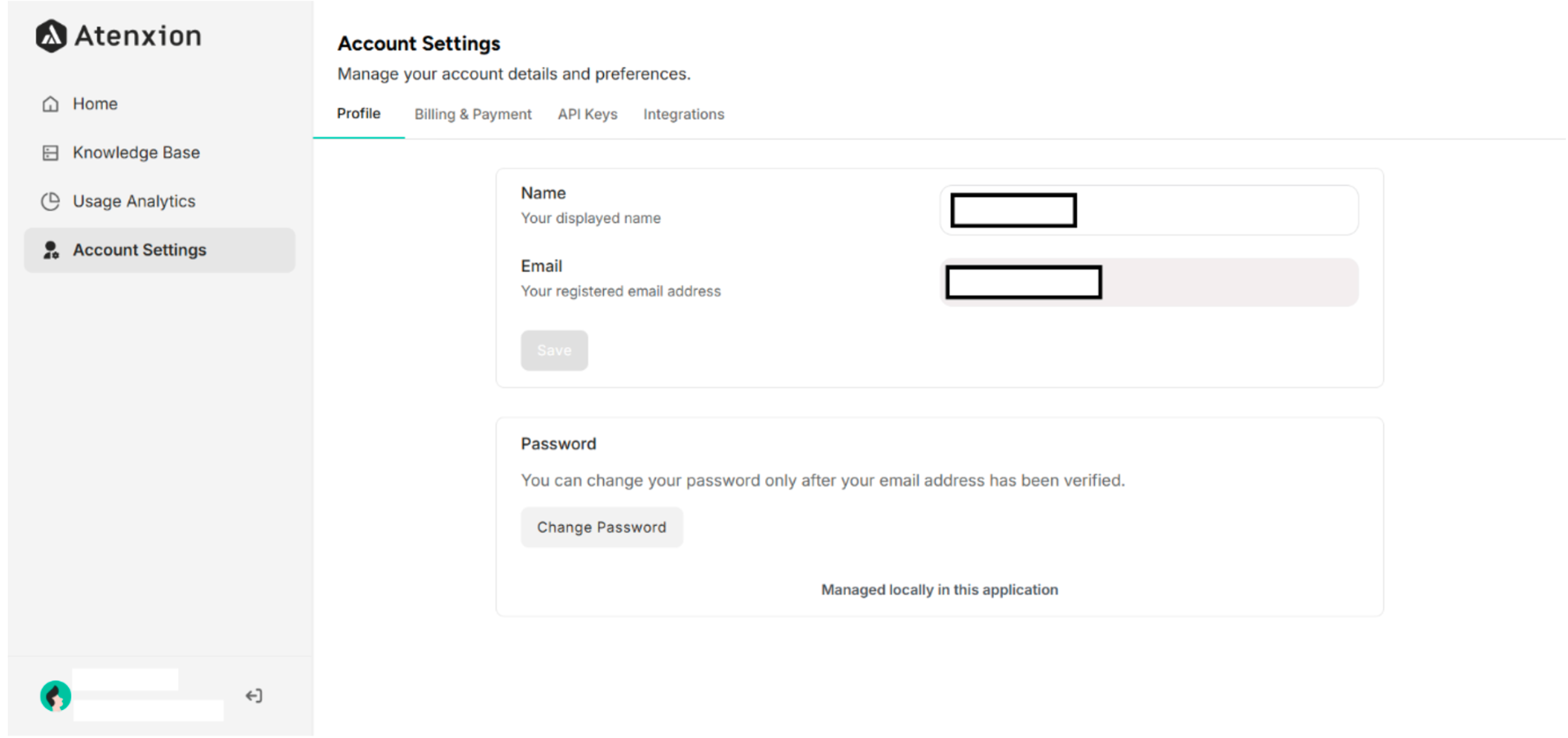 Figure: Account Settings Interface on the Atenxion Platform
4.1 User Profile in Account Settings
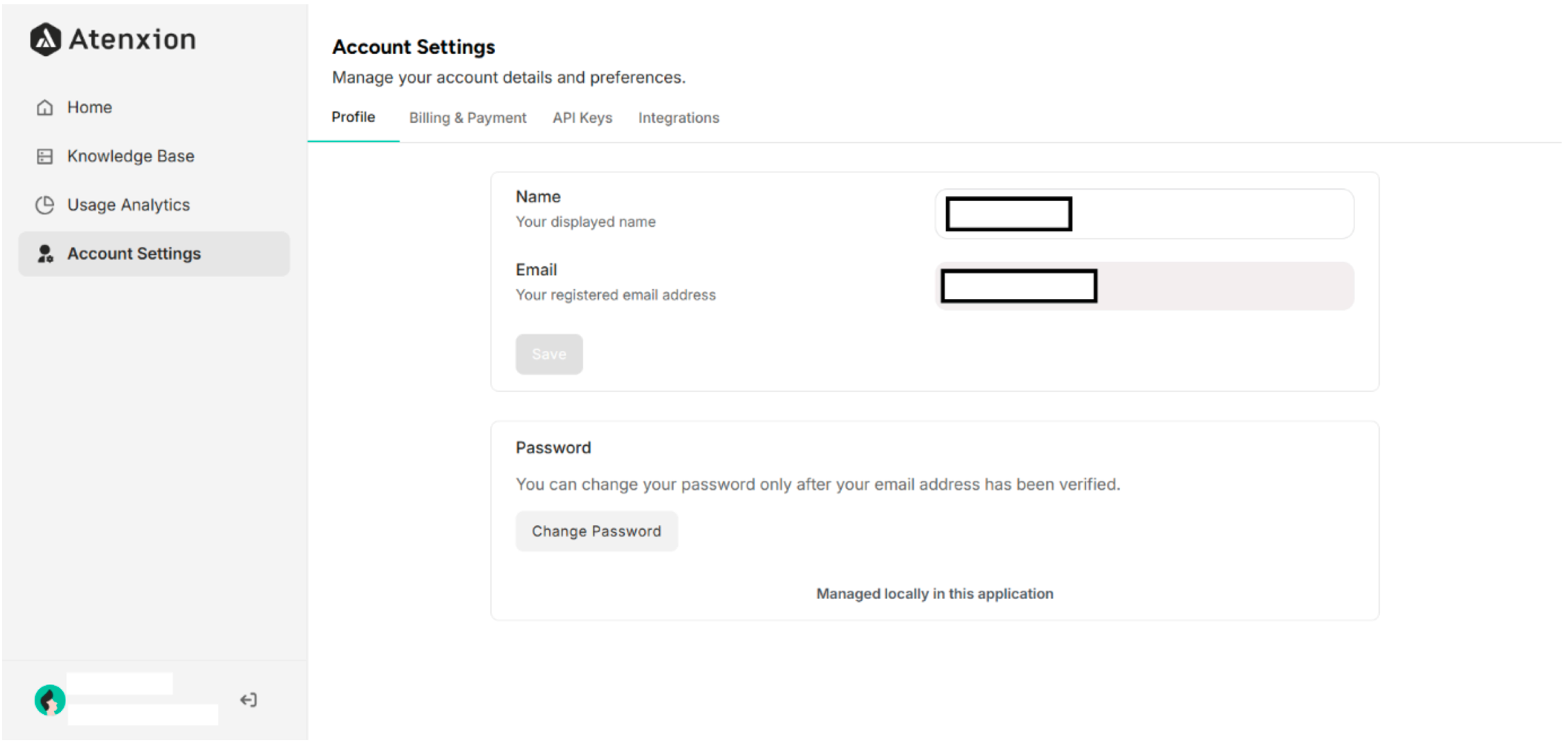 Figure: User Profile Details Interface in Account Settings
4.2 Billing & Payment in Account Settings
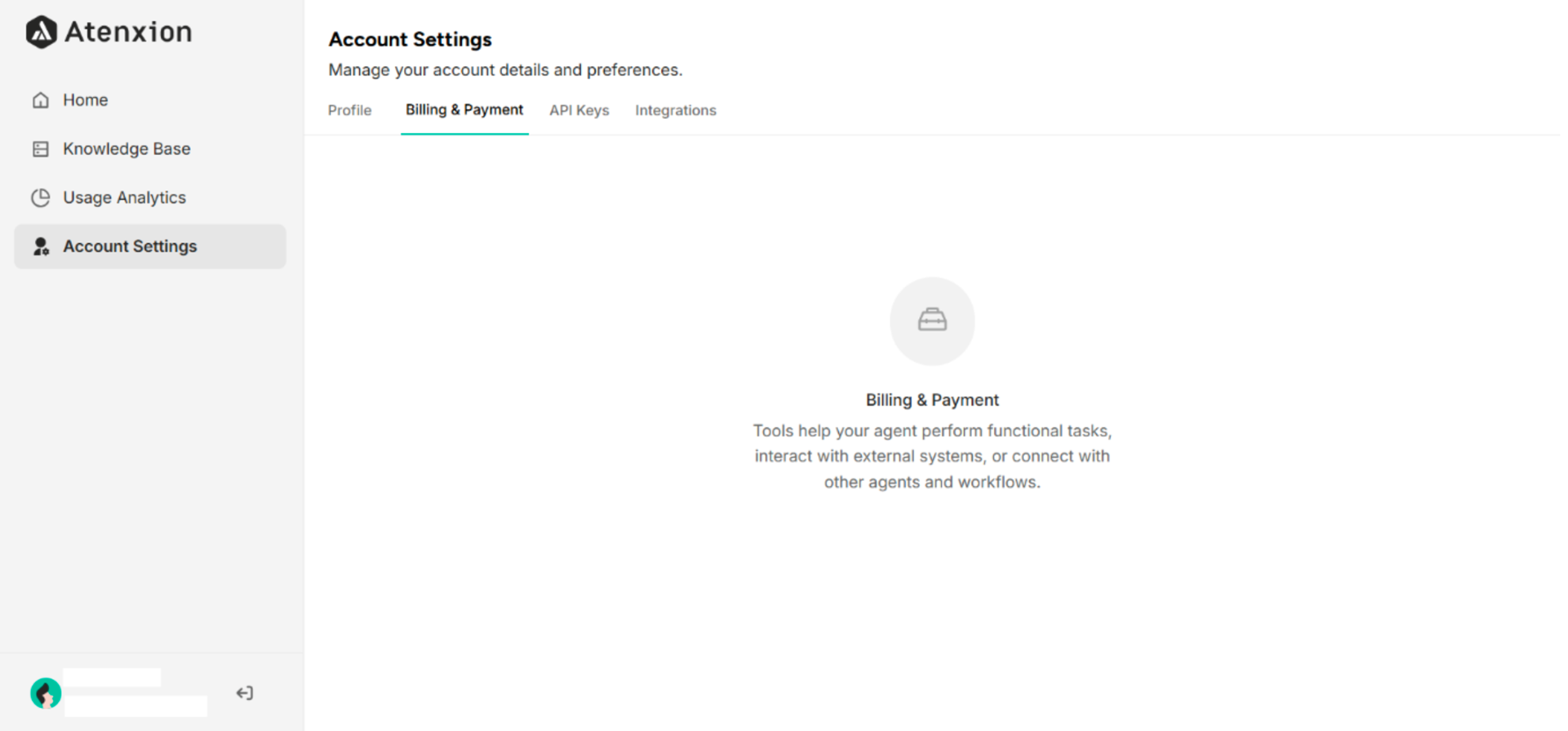 Figure: Billing and Payment Interface in Account Settings
4.3 API Keys in Account Settings
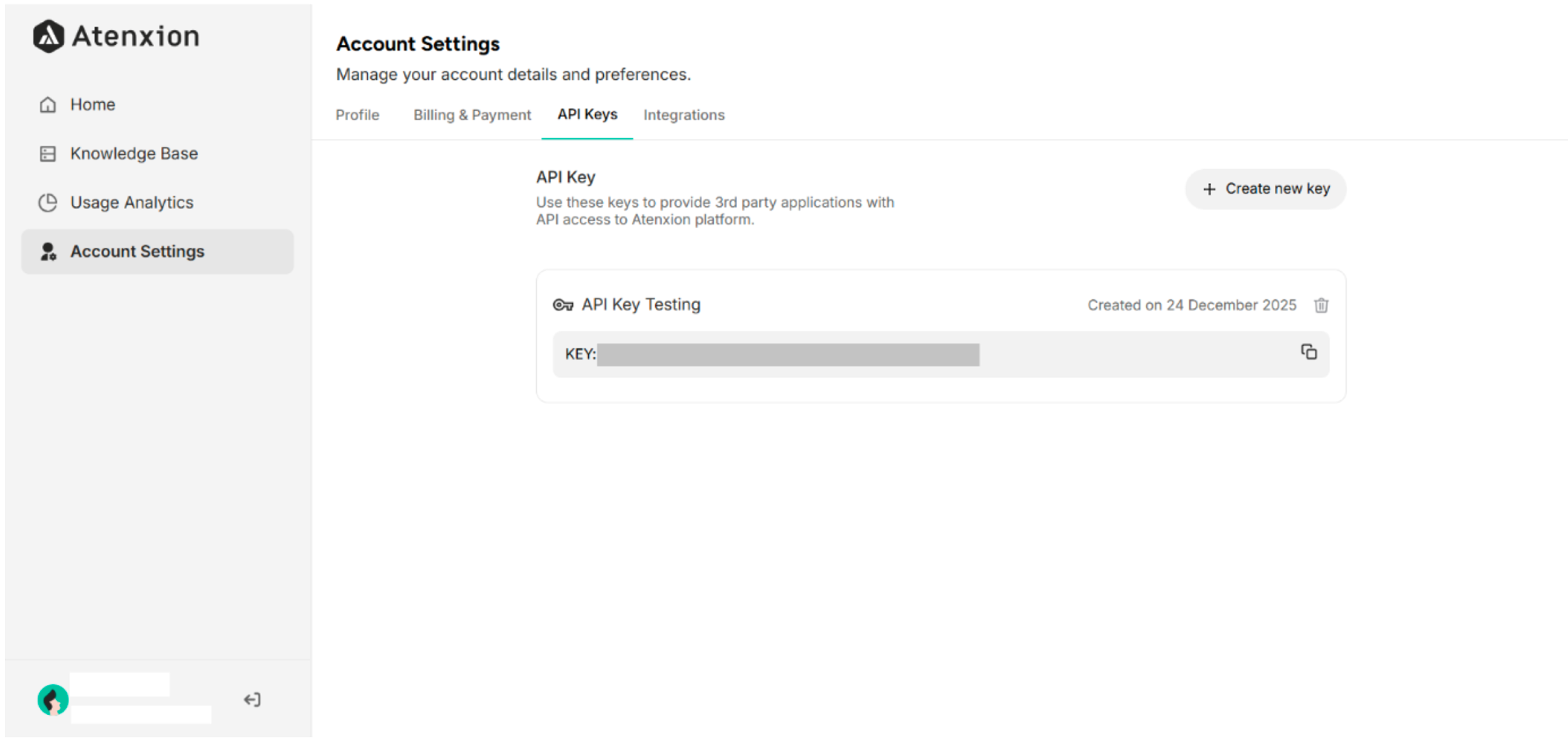 Figure: API Keys Interface in Account Settings
4.4 Integrations in Account Settings
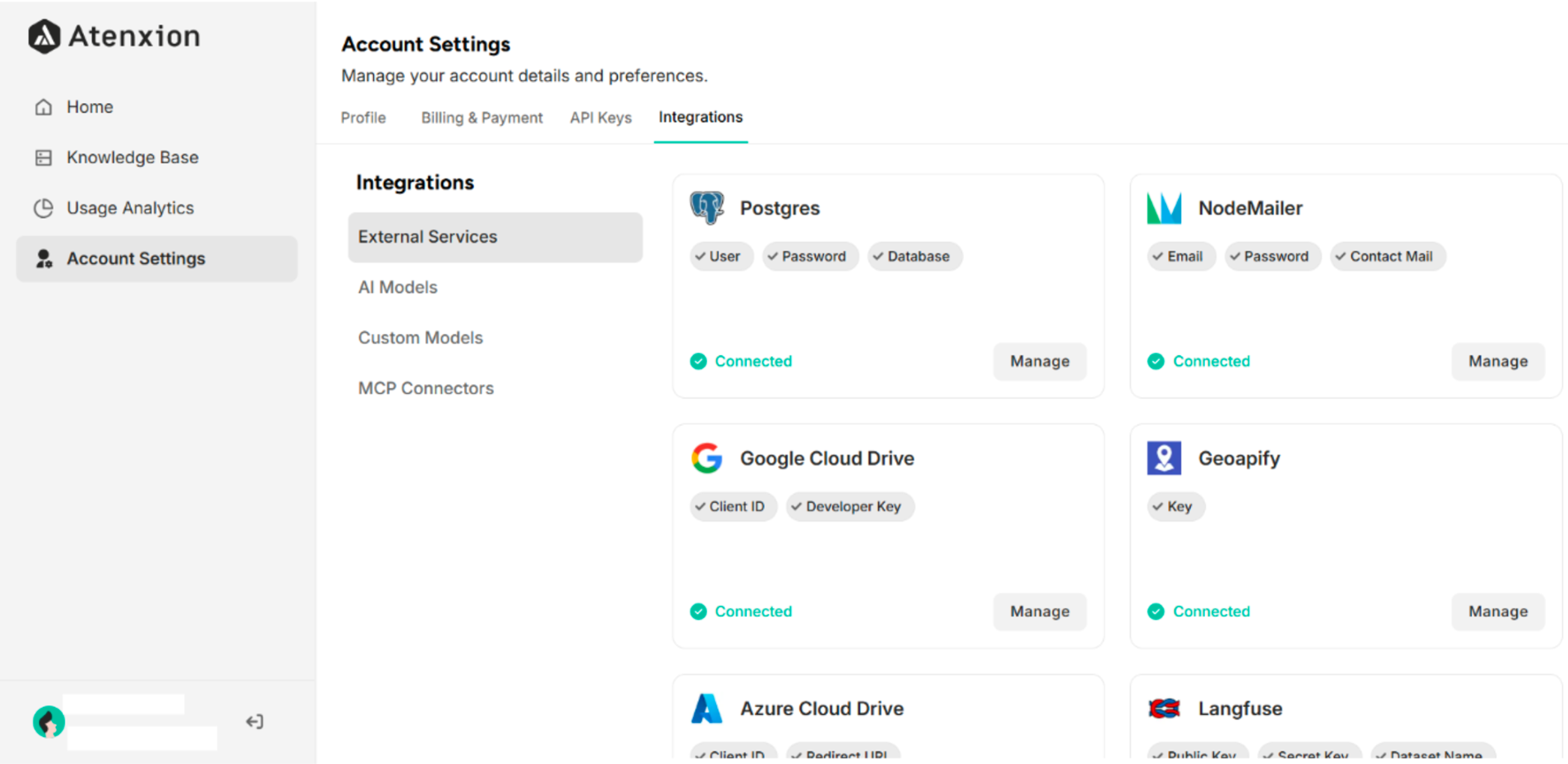 Figure: Integrations Interface in Account Settings
4.4.1 External Services
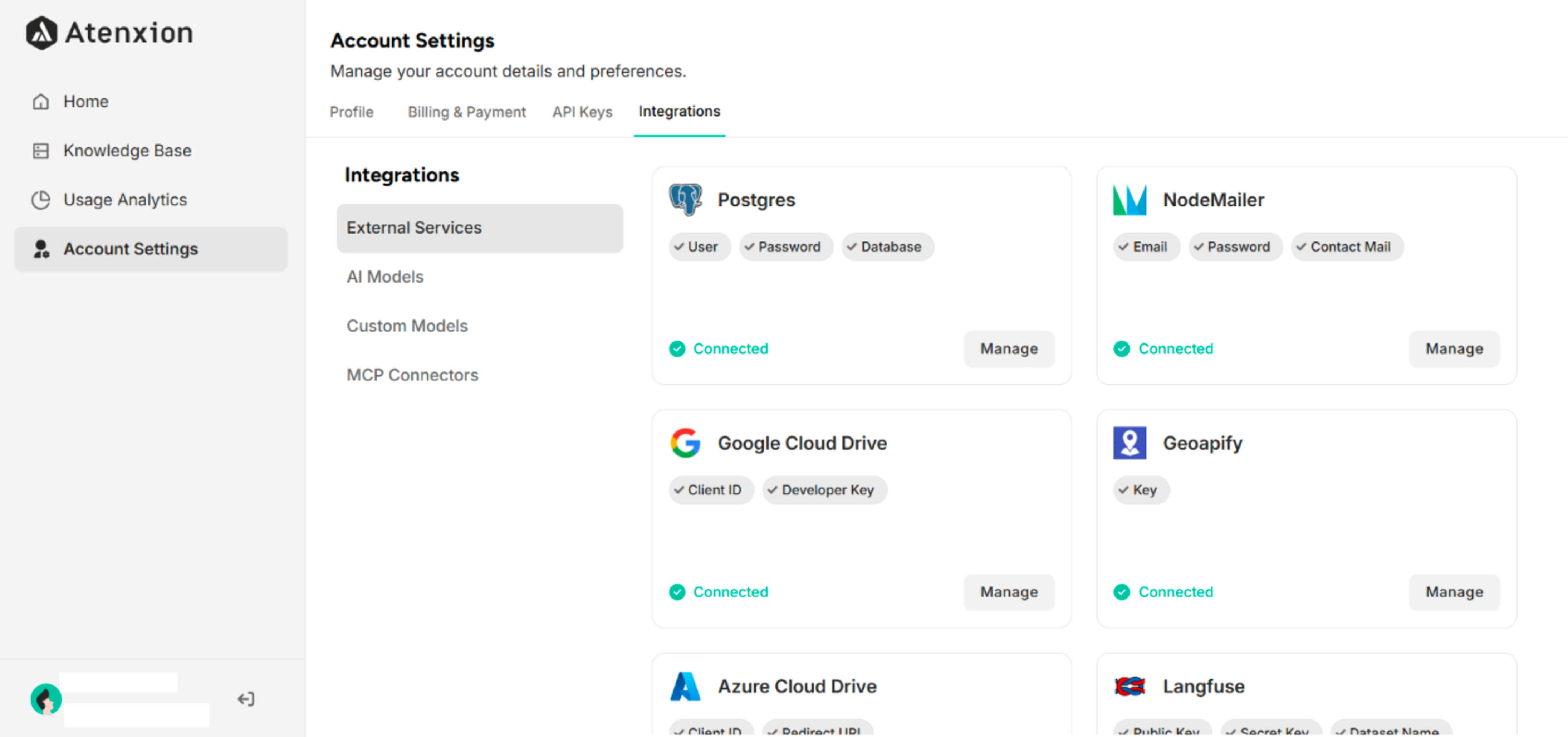 Figure: External Services Interface in Integrations Settings
4.4.2 AI Models
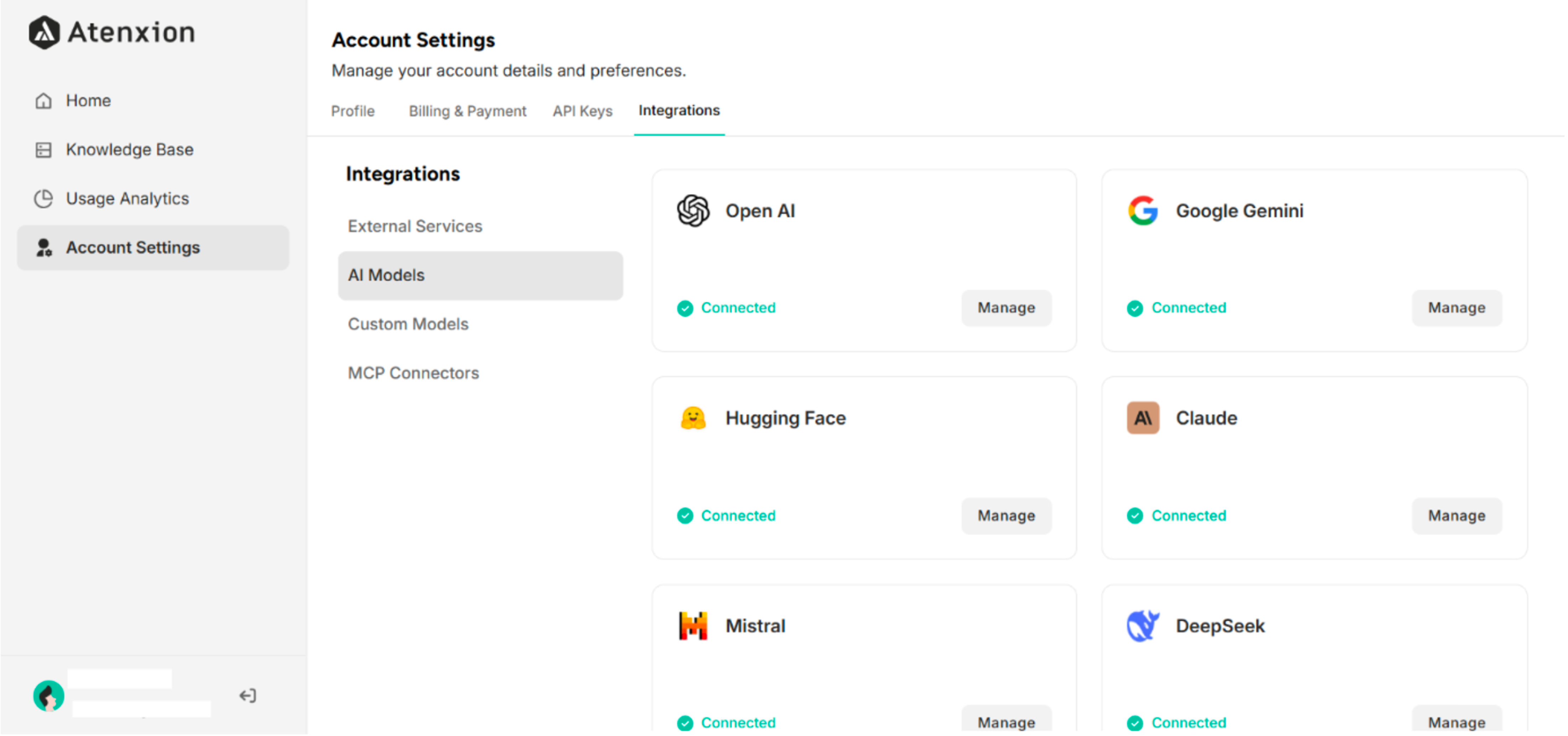 Figure: AI Models Interface in Integrations Settings
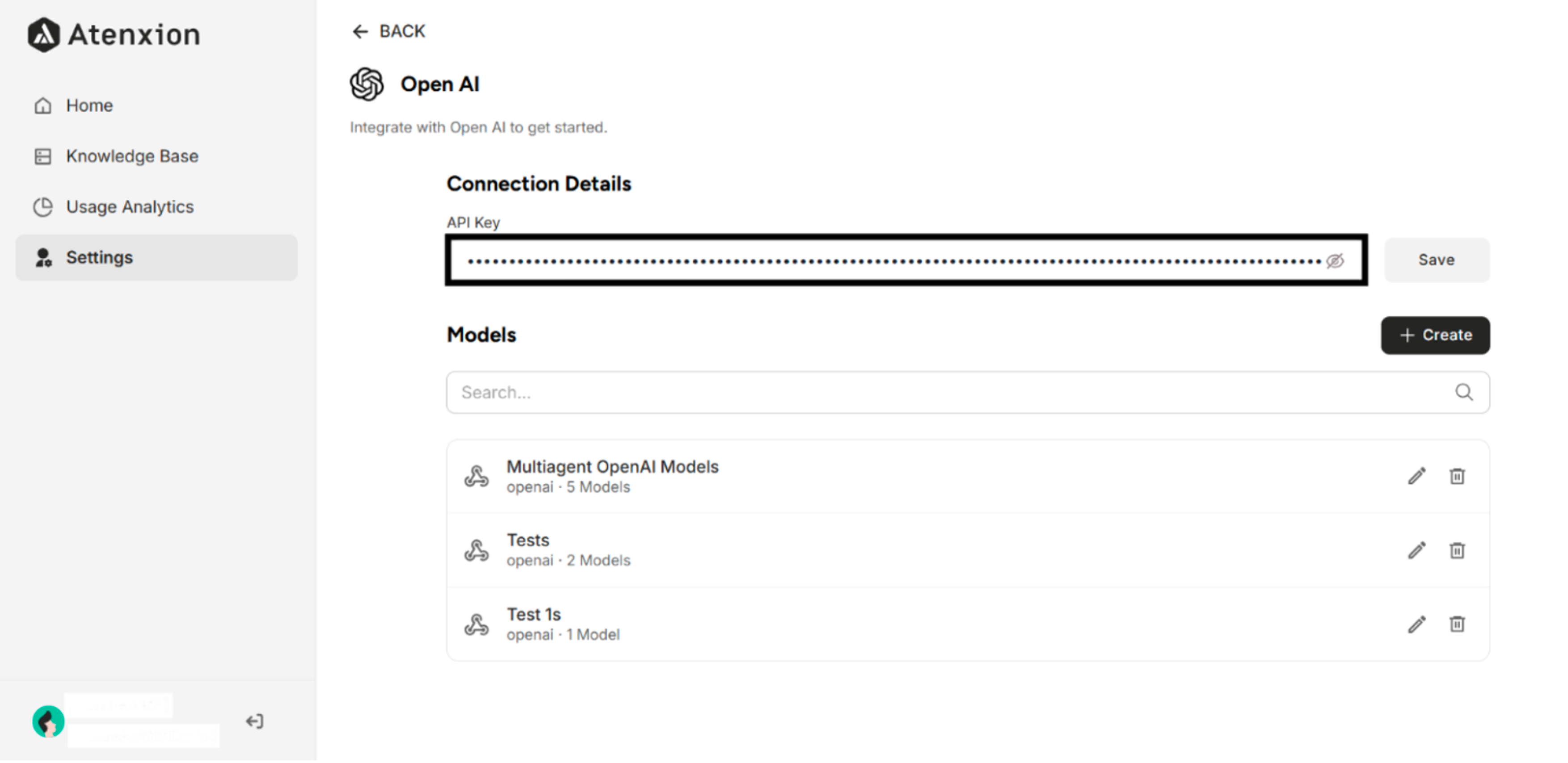 Figure: API Key Connected to OpenAI Models
4.4.3. Custom Models
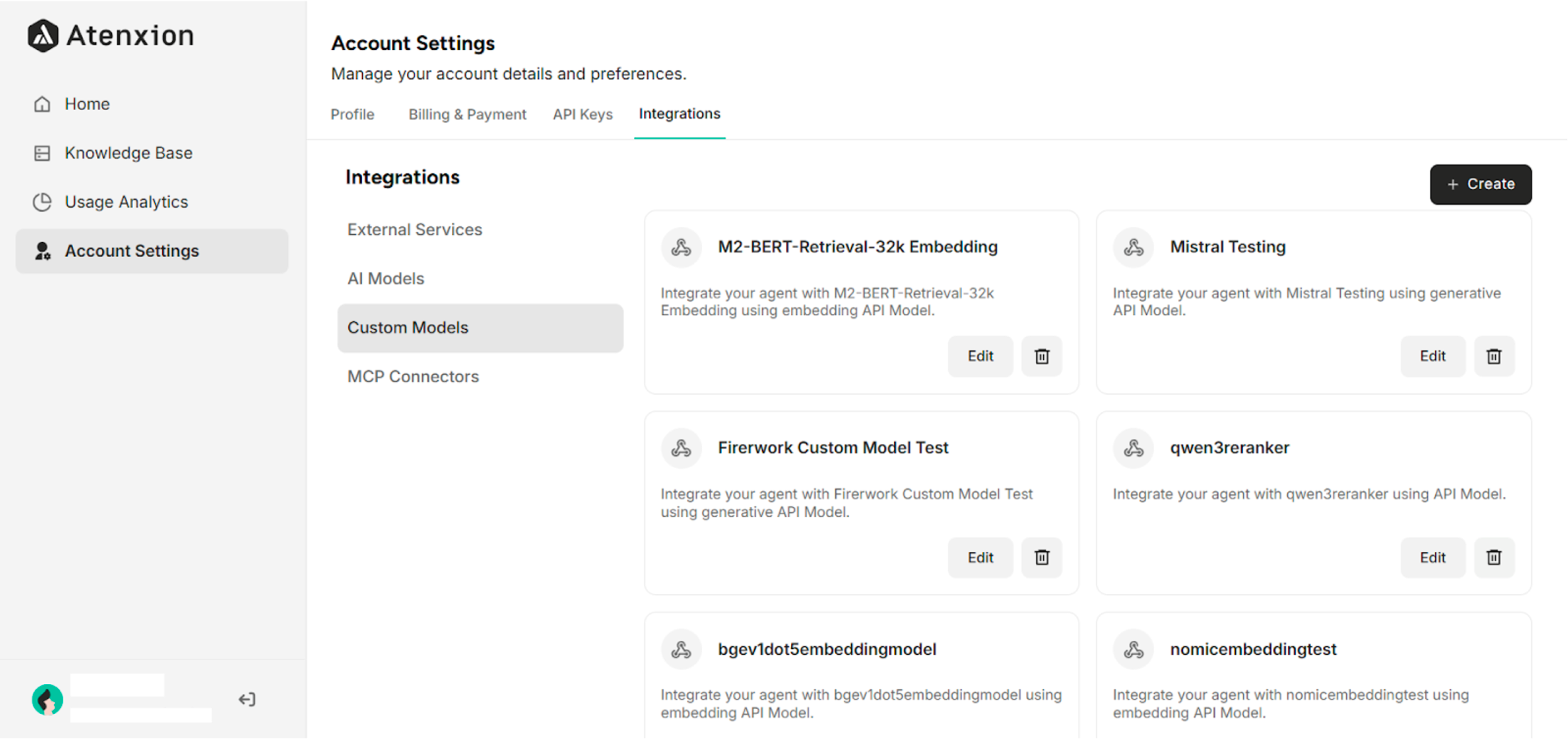 Figure: Custom Models Interface in Integrations Settings
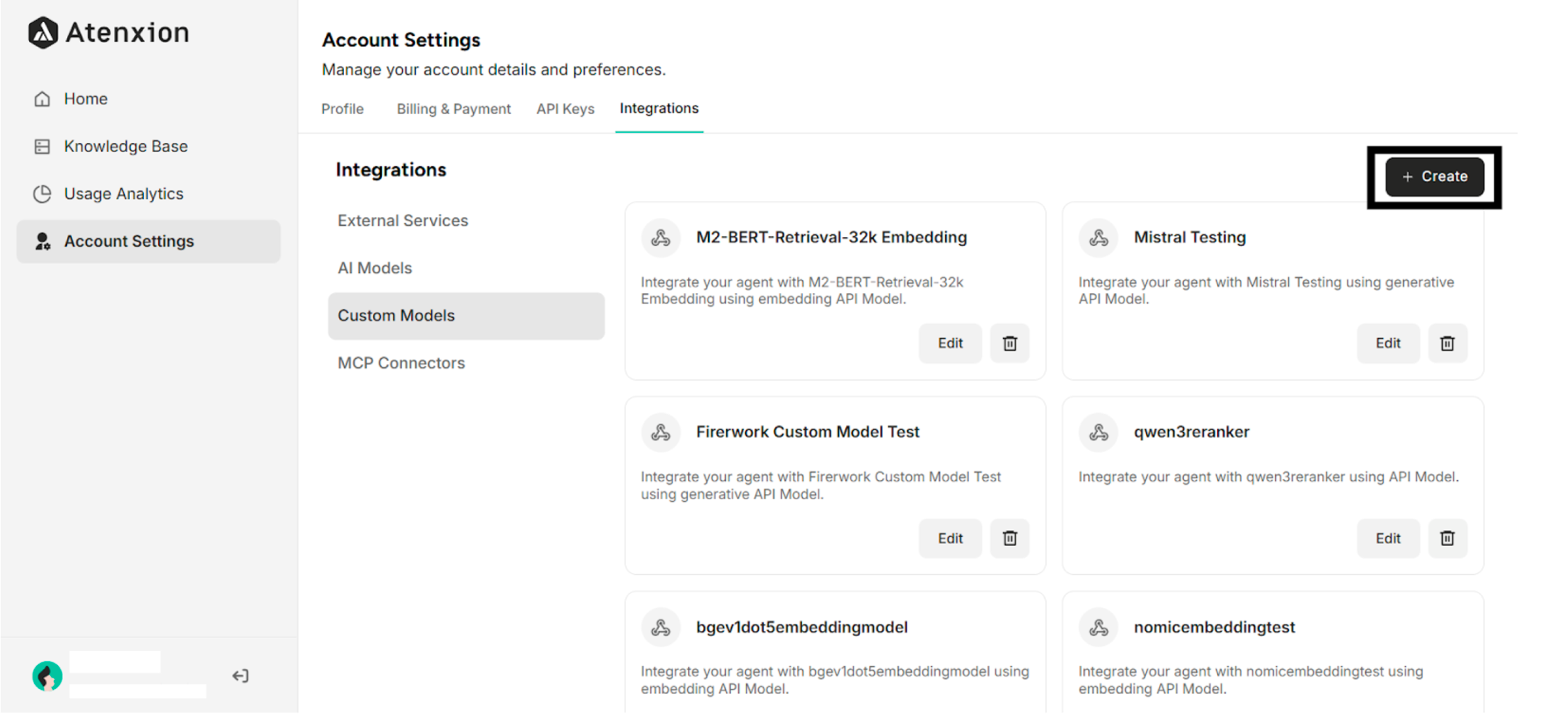 Figure: The "+Create" Button for Creating a Custom Model
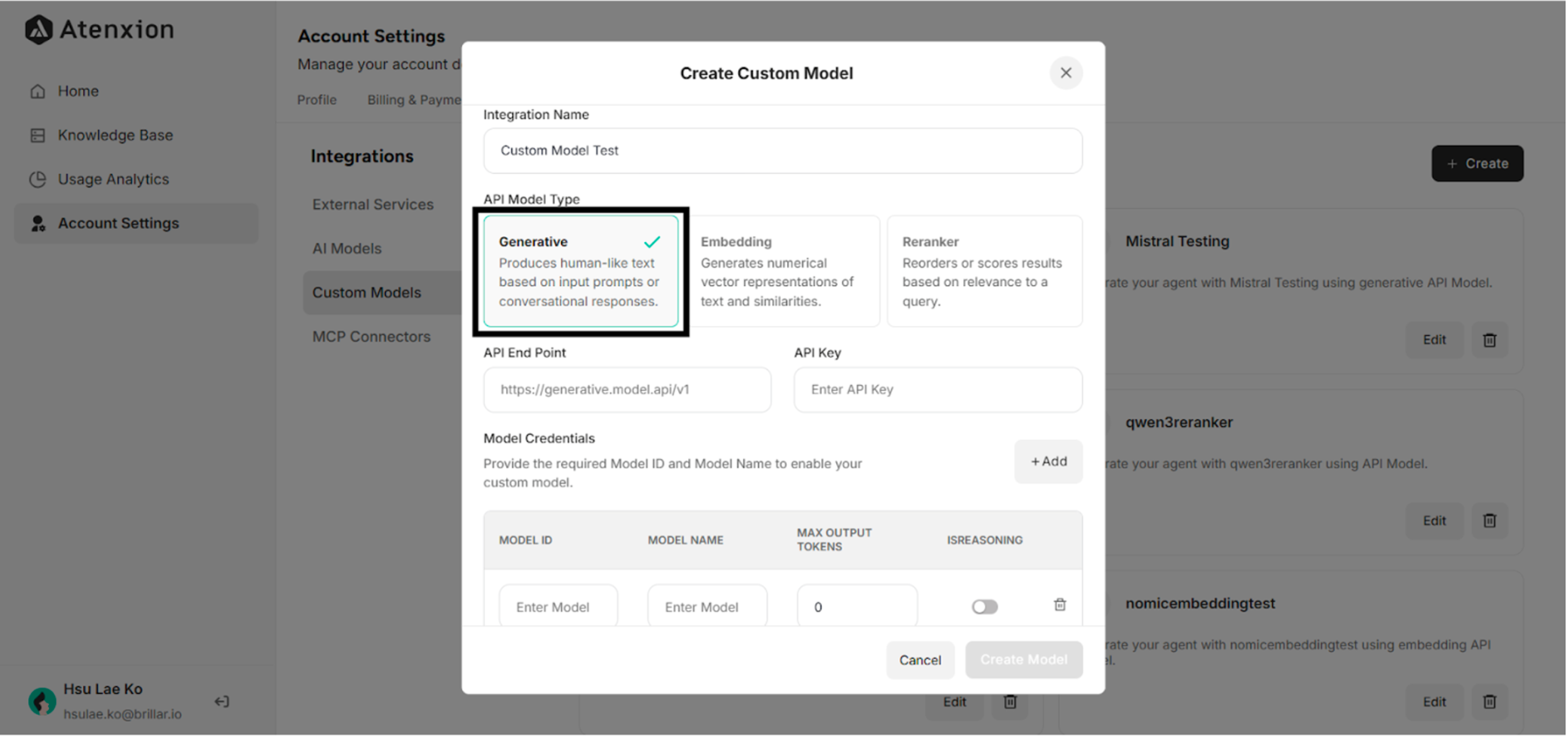 Figure: Custom Model Creation Interface in Custom Models Settings
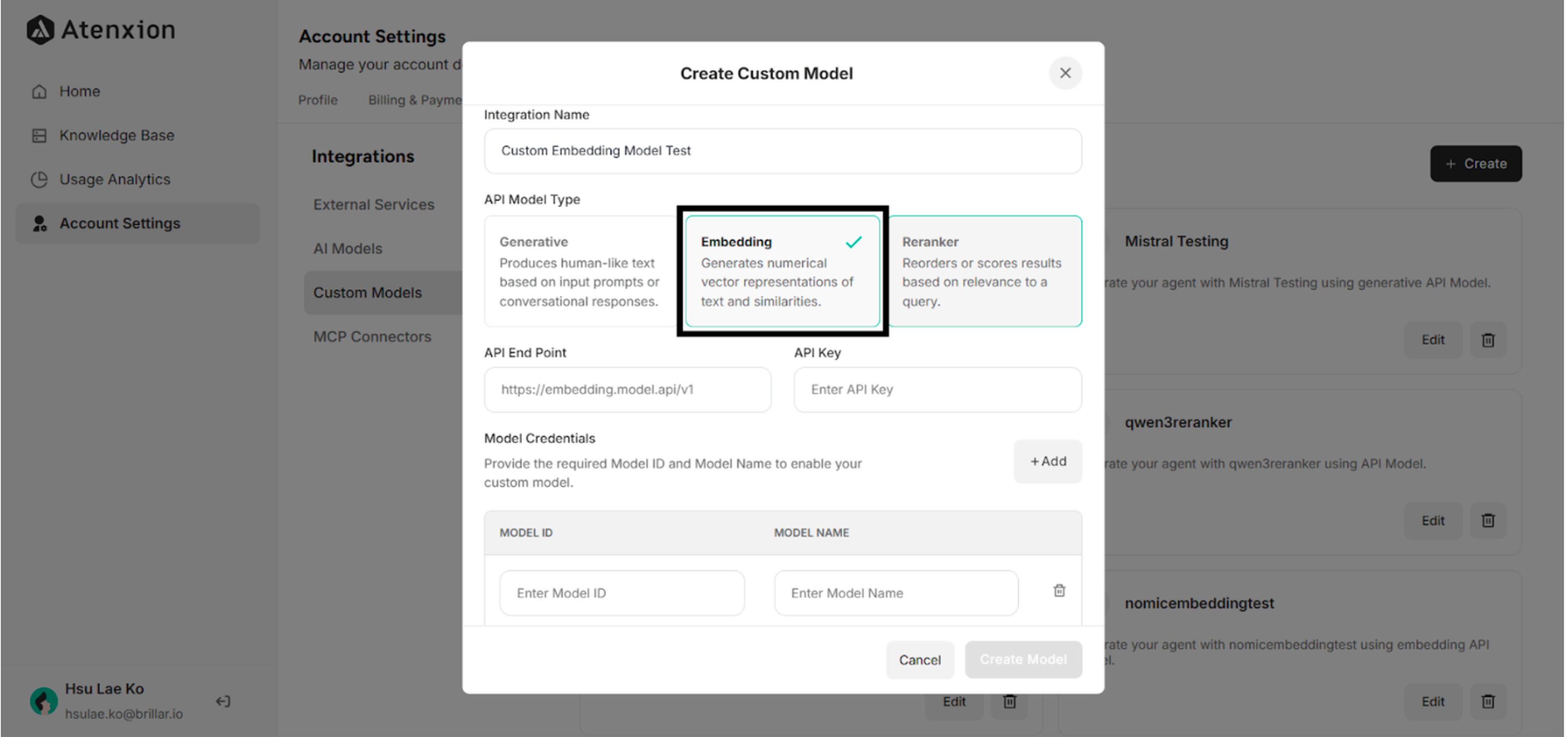 Figure: Custom Embedding Model Creation Interface in Custom Models Settings
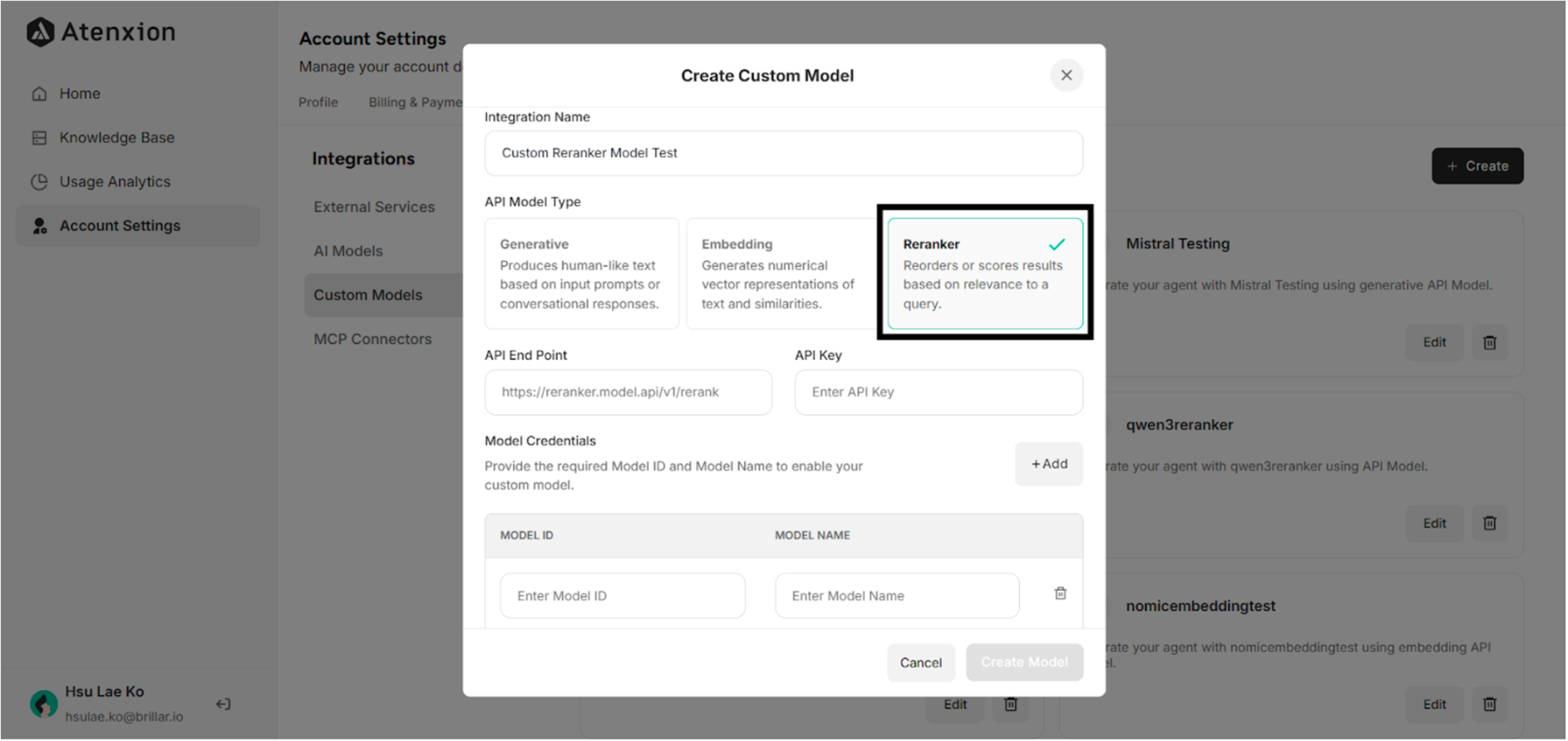 Figure: Custom Reranker Model Creation Interface in Custom Models Settings
4.4.4 MCP Connectors
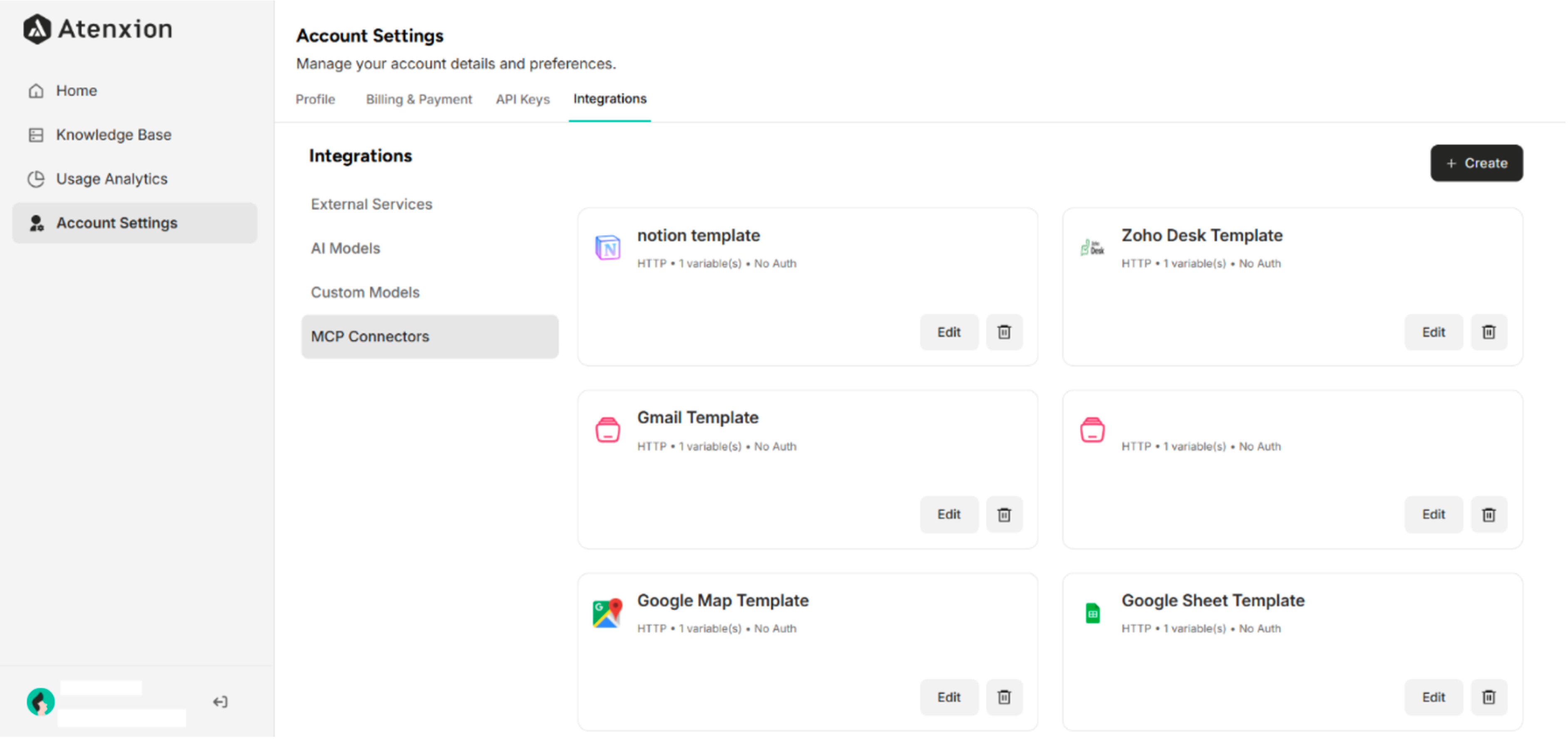 Figure: MCP Connectors Interface in Integrations Settings
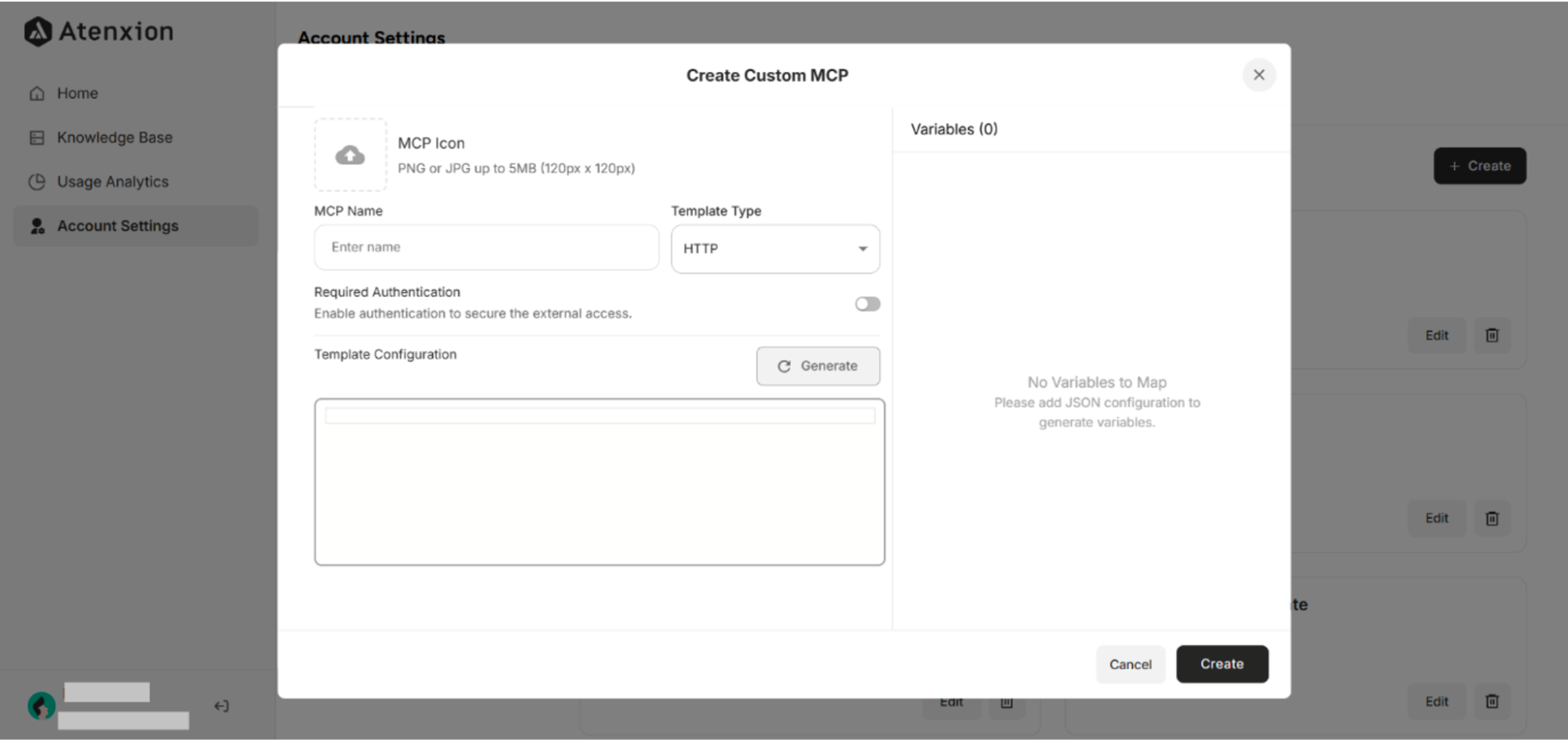 Figure: Custom MCP Template Creation Interface on the Atenxion Platform